Pick a game to see exactly how to install it and how your viewers control it. Most mods are one-click — install from the app and play.
Choose a game
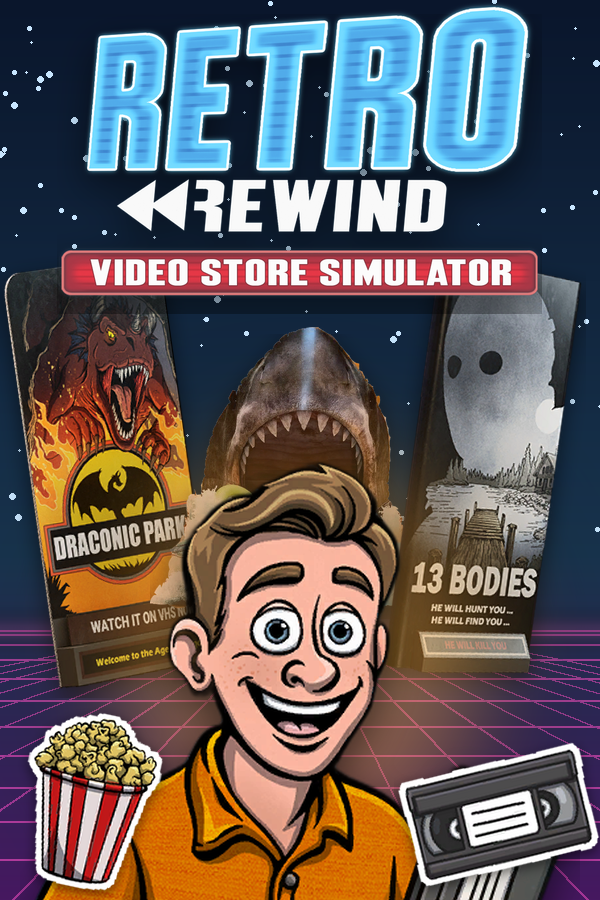
Retro Rewind — Video Store Simulator
NEW
Install type: UE4SSActions: 103
How it works
Run a 90s video store while your TikTok LIVE chat runs your day. Viewers walk in as customers wearing their own names and say their messages in speech bubbles. Gifts send customer rushes and street crowds, start the game's own events (UFO sightings, Friday the 13th, Halloween, Santa, a movie star and more), and change the weather, the clock and the time of day. Chaos gifts bury you in tape avalanches, break tapes, flood the drop box, cut the power, blast the TVs and litter the floor, while staff gifts put your employees into turbo, send them to sleep or ambush you for a raise. Kinder gifts hand out money, XP, free movies and a full restock, and every timed effect puts the store back the way it was.
Requirements
Operating system
Windows 10 / 11 (64-bit)
Game
Retro Rewind — Video Store Simulator installed on your PC
Account
Free TikControl account
Setup
1
Create your account & get the app
Sign up free, then download and open the TikControl desktop app and log in with the same email.
2
Install the Retro Rewind — Video Store Simulator mod
In the app, select Retro Rewind — Video Store Simulator and click Install Mod — TikControl drops the mod straight into the game's folder for you.
3
Launch Retro Rewind — Video Store Simulator
Start the game as you normally would. The mod loads automatically and connects to TikControl.
4
Connect TikTok LIVE & go live
Enter your TikTok username, map gifts to actions, and start your stream — your viewers are now in control.
This is a one-click mod — installing it from the app is all the setup you need.
Extra steps for this game
Install the mod from the Retro Rewind page in the app (pick the folder that holds RetroRewind.exe if the app does not find it), then start the game and load your store. Gifts sent while you are on the main menu or a loading screen wait and play once the store has loaded.