Stop losing PK battles
in the last minute
Battles watches the fight so you don't have to. It fires the right overlay the moment the lead flips, a multiplier opens or a mission completes — and tells you, live, exactly what to say to keep your side gifting.
It tells you what to say, while you're fighting
Knowing what to shout at minute four of a PK battle is the hard part. During a real battle the Battles panel becomes your copilot: it tracks all ten stages of the fight and puts the right line on your screen at the right moment, with a coaching tip underneath it.
We're in a battle! Even a rose counts right now — the first minute decides who we get matched with. Who's with me?
A real opening prompt, straight from the appThe first minute decides who you get matched against. Ask for taps and roses, and pin a comment so late arrivals join in.
Missions unlock multiplier windows, and any gift counts toward them — so this is the moment to call for lots of tiny gifts from everyone watching.
Inside a crit window every gift can hit ×5, so five small gifts beat one big one. The copilot says exactly that, before the window closes.
Gifts sent at two seconds left can miss the buzzer entirely. You get told to call it now — not at zero.
Cinematic effects, already madePro
68 full-screen clips built for battles — multipliers, power-ups, missions, wins, warnings and supporter moments. Every one is 1080×1920 with sound, so it fills a portrait stream properly instead of floating in a box. Assign one to an event and it plays itself.
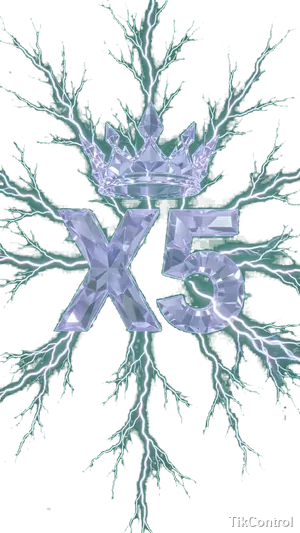
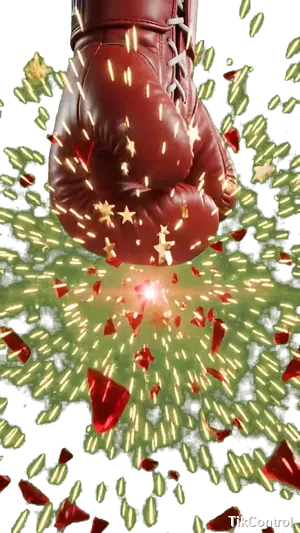
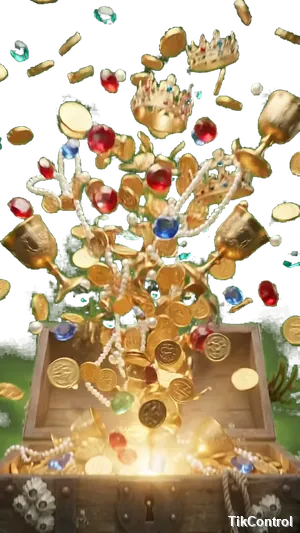
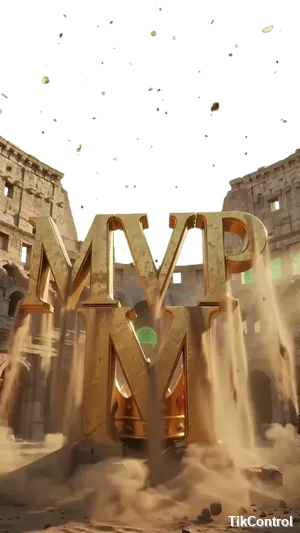


A sample of the 68. Hover any card to see it move. Previews here are watermarked and reduced — the clips in the app are full resolution with sound.
Built to look like your channel, not ours
Every event can be restyled, moved or switched off. Line it up once and Battles wakes up on its own for every fight after that.
Setup mode puts a positioning guide and a sample battle on your actual OBS or TikTok Studio overlay, so you line the source up against the real thing rather than guessing.
The gift ring, the "carrying the team" callout, the tap meter, the clock and the status pill can each be moved, resized or hidden — and they appear on stream exactly where you put them.
Demo Battle runs a full scripted fight of about ninety-five seconds, on your stream overlay as well as in the app, so you can check it in OBS before it matters.
Drop in your own clip and key out its background by clicking the colour you want gone — the preview updates as you click, with a tolerance slider for stubborn edges.
Borrow a setup instead of building one
A setup is a whole battle configuration — events, styles, positions and clips. Save yours, or start from one that already works.
Importing a setup is free on every plan. Community shares that include video get a quick check from our team before they go live.
Your next PK battle can run itself
Download TikControl, connect your TikTok account and paste one browser source into OBS. Battles takes it from there.