How to make your TikTok LIVE interactive
Interactive streaming is the format taking over TikTok LIVE: viewers send a gift and something actually happens in your game. Here is exactly how it works, what you need, and how to set it up in about ten minutes — for free.
What does “interactive” actually mean on TikTok LIVE?
An interactive TikTok stream is one where your audience controls part of what they are watching. Instead of gifts being a thank-you animation that disappears, each gift is wired to something real: spawning enemies, breaking your vehicle, freezing your controls, filling a goal meter on screen, or launching a full-screen celebration with the gifter’s name on it.
The effect on a stream is dramatic. Viewers stay because leaving means missing what their gift does, chat turns into a coordination channel, and every gift becomes a moment the whole room reacts to. That watch time and engagement is exactly what TikTok’s algorithm pushes.
Set it up in 5 steps
Download TikControl and sign in
Install the free TikControl app on your Windows PC and sign in. The free plan is enough to run your first interactive stream — no card needed.
Connect your TikTok LIVE
Type your TikTok username into the app and hit Connect. TikControl listens to your live room for gifts, likes, follows, shares and chat. It never asks for your TikTok password.
Install a game mod (one click)
Pick a game from the 64 supported titles and press Install. TikControl adds the mod to that game for you and can remove it just as easily. Nothing else on your PC is touched.
Map gifts to in-game actions
Choose which gift fires which action — a Rose spawns a zombie horde, a Lion nukes the map, 50 likes launches your character. Every game ships with a ready-made catalogue of actions, so it is drag-and-drop, not scripting.
Add overlays and go live
Drop TikControl overlays into OBS or TikTok LIVE Studio as browser sources — gift jars, goal meters, leaderboards and full-screen celebrations — then start your LIVE. Every gift now does something your viewers can see.
What can a gift actually do?
A few real examples of gift-to-action mappings streamers use. Every game has its own catalogue — some have over 100 actions.
Show it on stream with overlays
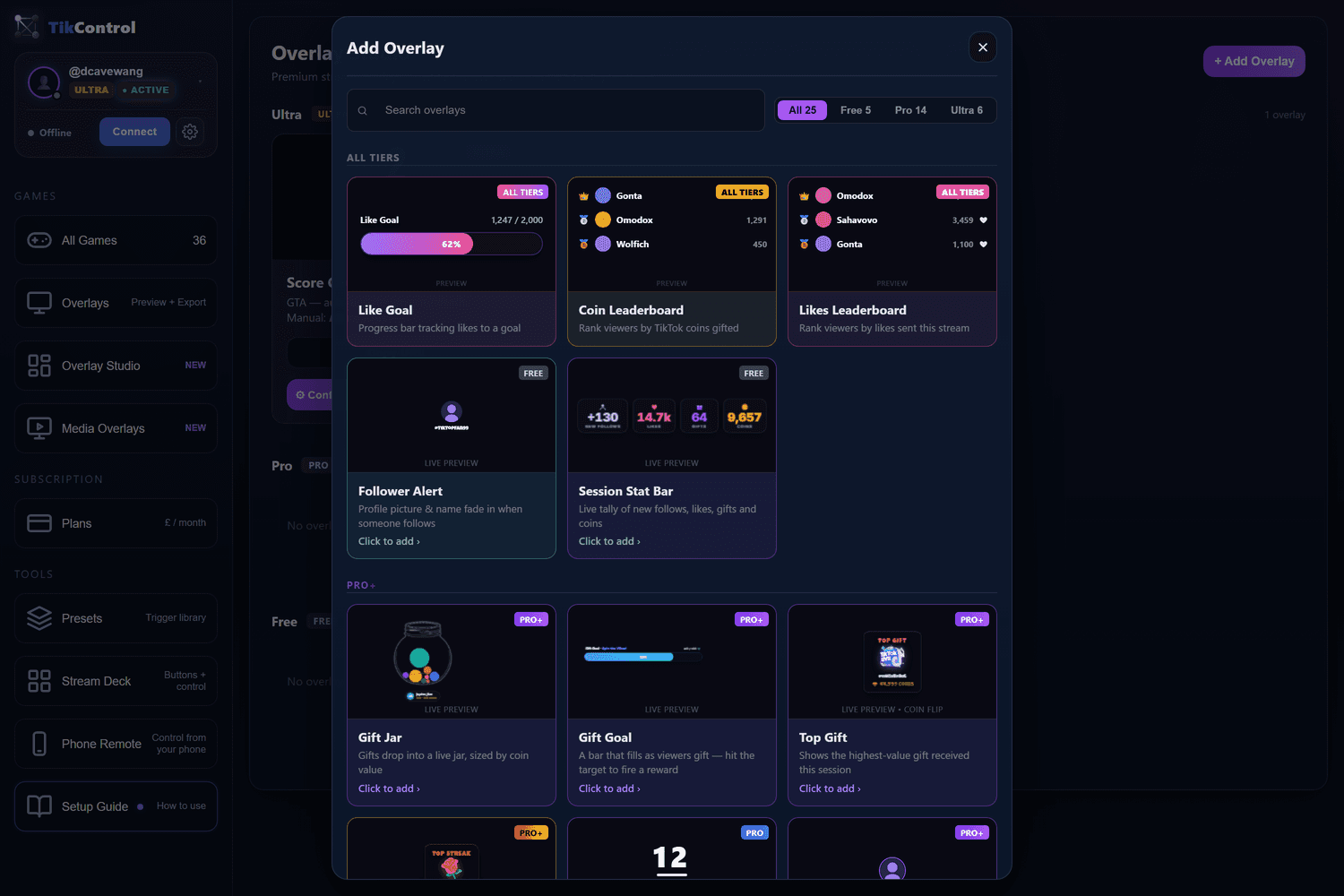
Overlays are what make an interactive stream readable to a first-time viewer. TikControl ships a full Overlay Studio — gift jars with real physics, goal meters, leaderboards, alerts and full-screen celebrations — all added to OBS or TikTok LIVE Studio as a browser source.
Which games work with TikTok gifts?
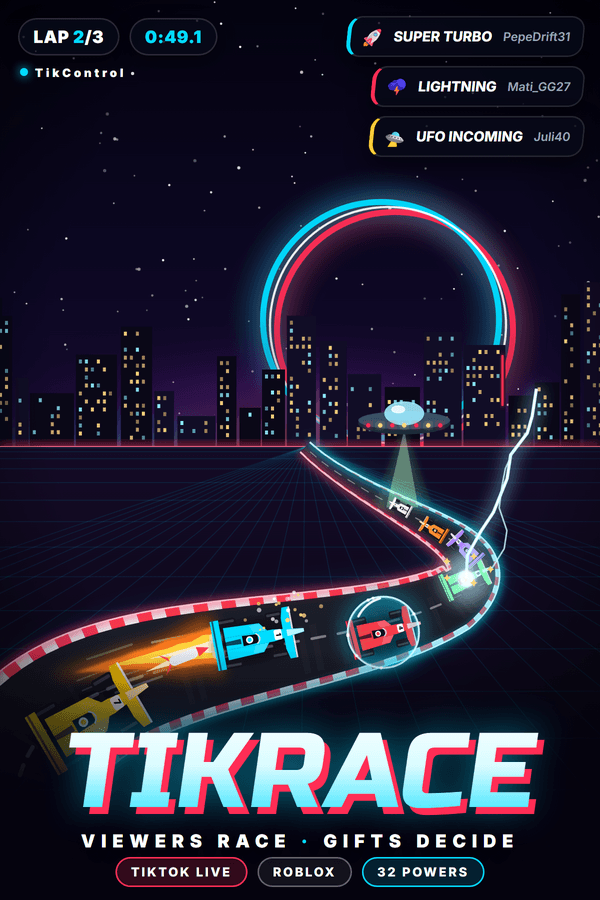
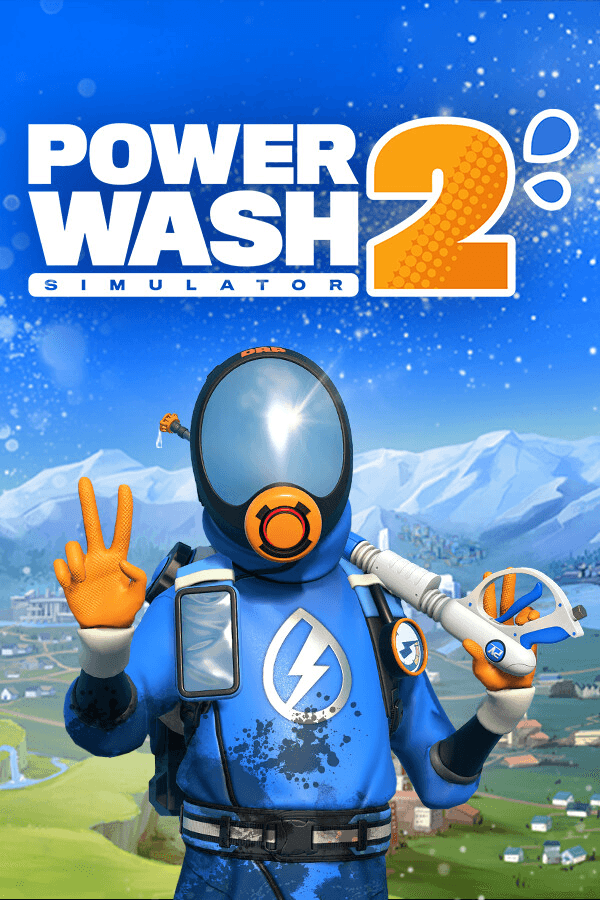
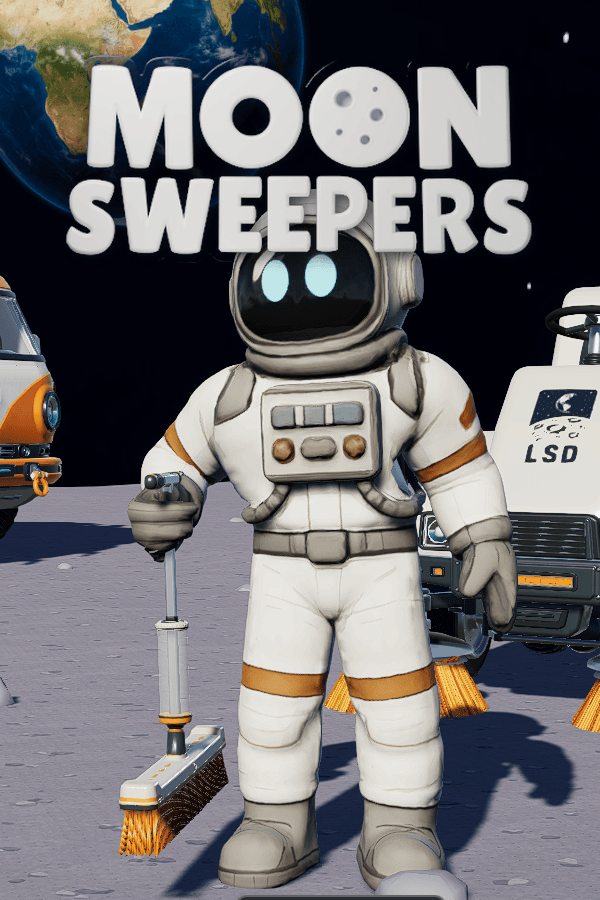
64 games are supported today, and most install in one click from inside the app.


Common questions
How do you make a TikTok LIVE interactive?
You need software that listens to your TikTok LIVE room and converts viewer events into actions on your PC. TikControl connects to your live stream by username, then maps each gift, like, follow or chat keyword to an action inside a game or an overlay on your stream — so sending a gift visibly changes what is happening on screen.
What are game mods for TikTok streams?
A TikTok game mod is a small add-on for a game that lets viewer gifts control what happens inside it. TikControl ships one-click mods for 64 games — GTA V, Minecraft, Call of Duty zombies, Left 4 Dead 2, Supermarket Simulator and more — so a gift can spawn enemies, teleport you, break your car or drop a boss on your head.
Do I need to know how to code?
No. Every supported game comes with a ready-made catalogue of actions. You pick a gift on the left and an action on the right, and that is the whole setup. Presets let you save and reuse whole trigger sets between streams.
Does interactive streaming actually get you more viewers?
Interactive streams keep viewers in the room, because leaving means missing what their gift does. That watch time and engagement is exactly what TikTok's algorithm rewards, which is why interactive gaming streams are one of the fastest-growing formats on TikTok LIVE.
What do I need to start?
A Windows PC, a TikTok account that can go LIVE, one supported game, and the free TikControl app. Streaming software such as OBS or TikTok LIVE Studio is recommended so you can add overlays, but it is not required to fire in-game triggers.
Ready to run your first interactive stream?
TikControl is free to start — connect your LIVE, install a mod and map your first gift today.