Kies een game om precies te zien hoe je deze installeert en hoe je kijkers hem besturen. De meeste mods zijn met één klik — installeer vanuit de app en speel.
Kies een game
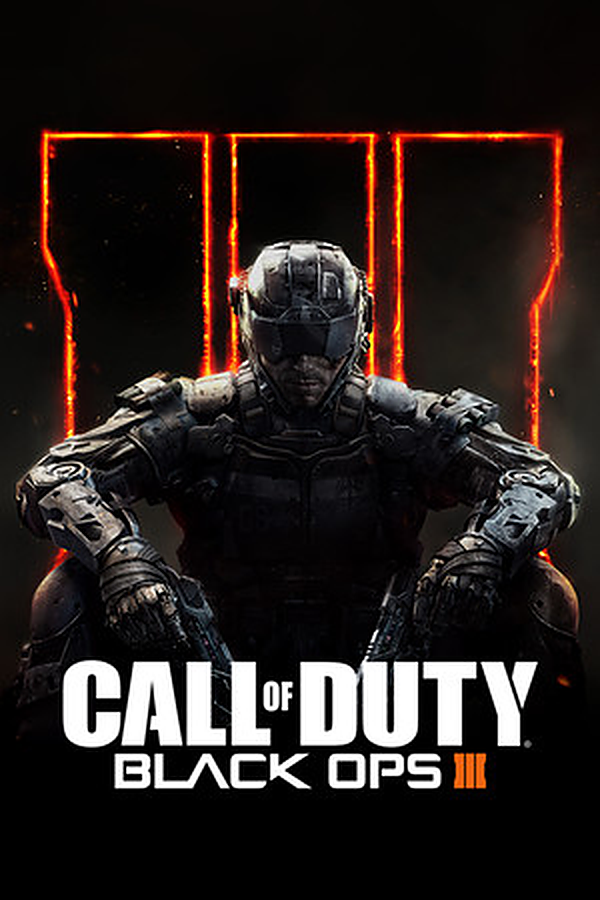
Black Ops 3 Zombies
NIEUW
Installatietype: TikControl Zombies modActies: 50
Hoe het werkt
Call of Duty: Black Ops 3 Zombies, run by your TikTok LIVE chat. Every zombie a viewer sends spawns next to you wearing that viewer's name, and a gift calls in the map's own boss: Margwa on Shadows of Evil, Panzer, Thrasher, or whatever special a custom map has. Viewers call in airstrikes, add or steal your extra lives, start Red Light Green Light or the horror Mannequins mode, unlock the whole map, jump to any round, hand out perks, Pack-a-Punch and ray guns, or end the run as a win. Timed gifts stack, hordes queue, and the viewer whose zombie downs you gets the credit on the end screen. The TikControl HUD shows viewers, timers and lives, with a portrait layout that keeps everything inside a phone-shaped stream.
Vereisten
Besturingssysteem
Windows 10 / 11 (64-bit)
Game
Black Ops 3 Zombies geïnstalleerd op je pc
Account
Gratis TikControl-account
Installatie
1
Maak je account aan en haal de app
Registreer gratis, download en open vervolgens de TikControl-desktop-app en log in met hetzelfde e-mailadres.
2
Installeer de Black Ops 3 Zombies-mod
Selecteer in de app Black Ops 3 Zombies en klik op Mod installeren — TikControl plaatst de mod rechtstreeks in de gamemap voor je.
3
Start Black Ops 3 Zombies
Start de game zoals je normaal zou doen. De mod laadt automatisch en verbindt met TikControl.
4
Verbind TikTok LIVE en ga live
Voer je TikTok-gebruikersnaam in, koppel cadeaus aan acties en start je stream — je kijkers hebben nu de controle.
Dit is een mod met één klik — installeren vanuit de app is alle installatie die je nodig hebt.
Extra stappen voor deze game
Installeer de mod via de Black Ops 3-pagina, start het spel via Steam en ga naar Mods → tikcontrol → Load (of voeg de Steam-opstartoptie +set fs_game tikcontrol toe). Start een Zombies-potje: het TikControl-scherm bevestigt dat de mod geladen is. Het laden van een mod zet de voortgang voor die sessie uit — zo behandelt Black Ops 3 elke mod.