Choisissez un jeu pour voir précisément comment l'installer et comment vos spectateurs le contrôlent. La plupart des mods s'installent en un clic — installez depuis l'application et jouez.
Choisissez un jeu
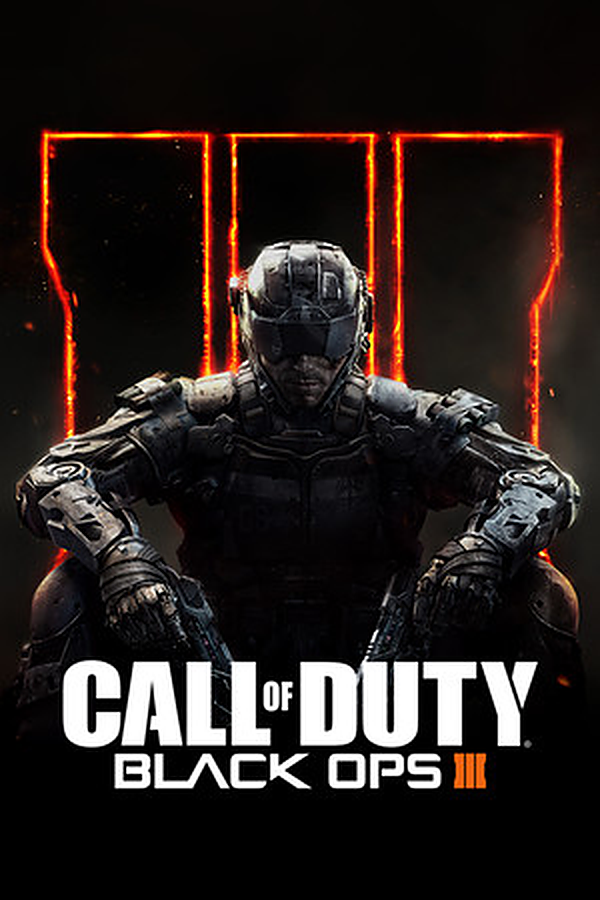
Black Ops 3 Zombies
NOUVEAU
Type d'installation: TikControl Zombies modActions: 50
Comment ça marche
Call of Duty: Black Ops 3 Zombies, run by your TikTok LIVE chat. Every zombie a viewer sends spawns next to you wearing that viewer's name, and a gift calls in the map's own boss: Margwa on Shadows of Evil, Panzer, Thrasher, or whatever special a custom map has. Viewers call in airstrikes, add or steal your extra lives, start Red Light Green Light or the horror Mannequins mode, unlock the whole map, jump to any round, hand out perks, Pack-a-Punch and ray guns, or end the run as a win. Timed gifts stack, hordes queue, and the viewer whose zombie downs you gets the credit on the end screen. The TikControl HUD shows viewers, timers and lives, with a portrait layout that keeps everything inside a phone-shaped stream.
Prérequis
Système d'exploitation
Windows 10 / 11 (64 bits)
Jeu
Black Ops 3 Zombies installé sur votre PC
Compte
Compte TikControl gratuit
Installation
1
Créez votre compte et téléchargez l'application
Inscrivez-vous gratuitement, puis téléchargez et ouvrez l'application de bureau TikControl et connectez-vous avec le même e-mail.
2
Installez le mod Black Ops 3 Zombies
Dans l'application, sélectionnez Black Ops 3 Zombies et cliquez sur Installer le mod — TikControl place le mod directement dans le dossier du jeu pour vous.
3
Lancez Black Ops 3 Zombies
Démarrez le jeu comme d'habitude. Le mod se charge automatiquement et se connecte à TikControl.
4
Connectez TikTok LIVE et lancez le direct
Saisissez votre nom d'utilisateur TikTok, associez les cadeaux à des actions et démarrez votre direct — vos spectateurs ont désormais le contrôle.
C'est un mod en un clic — l'installer depuis l'application suffit, aucune autre configuration n'est nécessaire.
Étapes supplémentaires pour ce jeu
Installez le mod depuis la page Black Ops 3, lancez le jeu via Steam et allez dans Mods → tikcontrol → Load (ou ajoutez l'option de lancement Steam +set fs_game tikcontrol). Lancez une partie Zombies : l'écran TikControl confirme que le mod est chargé. Charger un mod désactive la progression pour cette session — c'est ainsi que Black Ops 3 traite tous les mods.